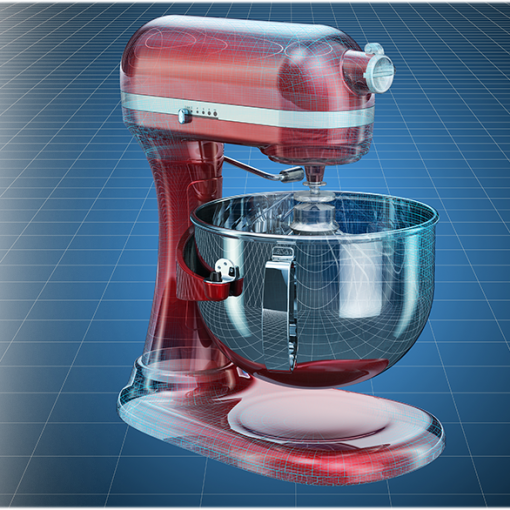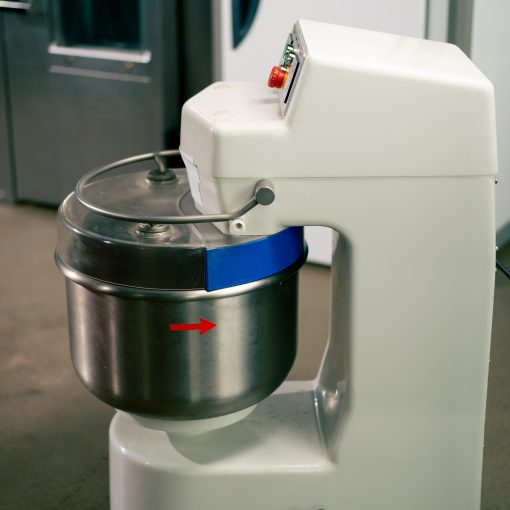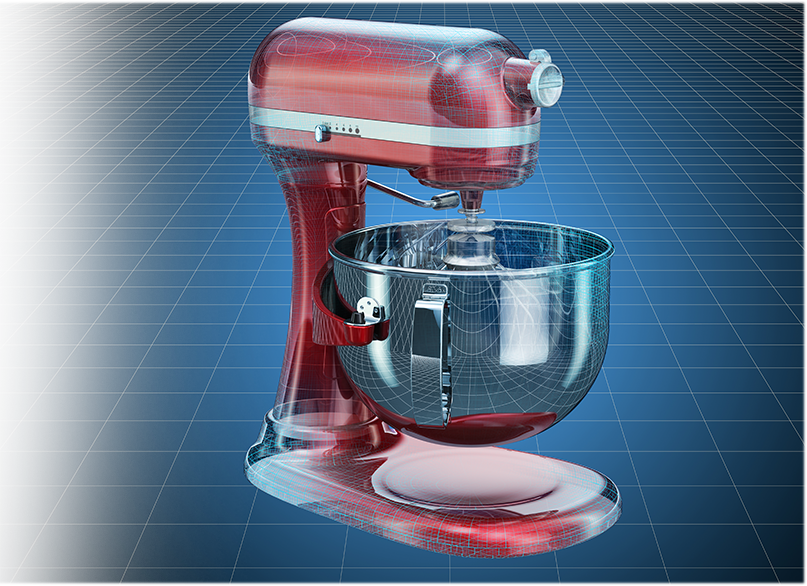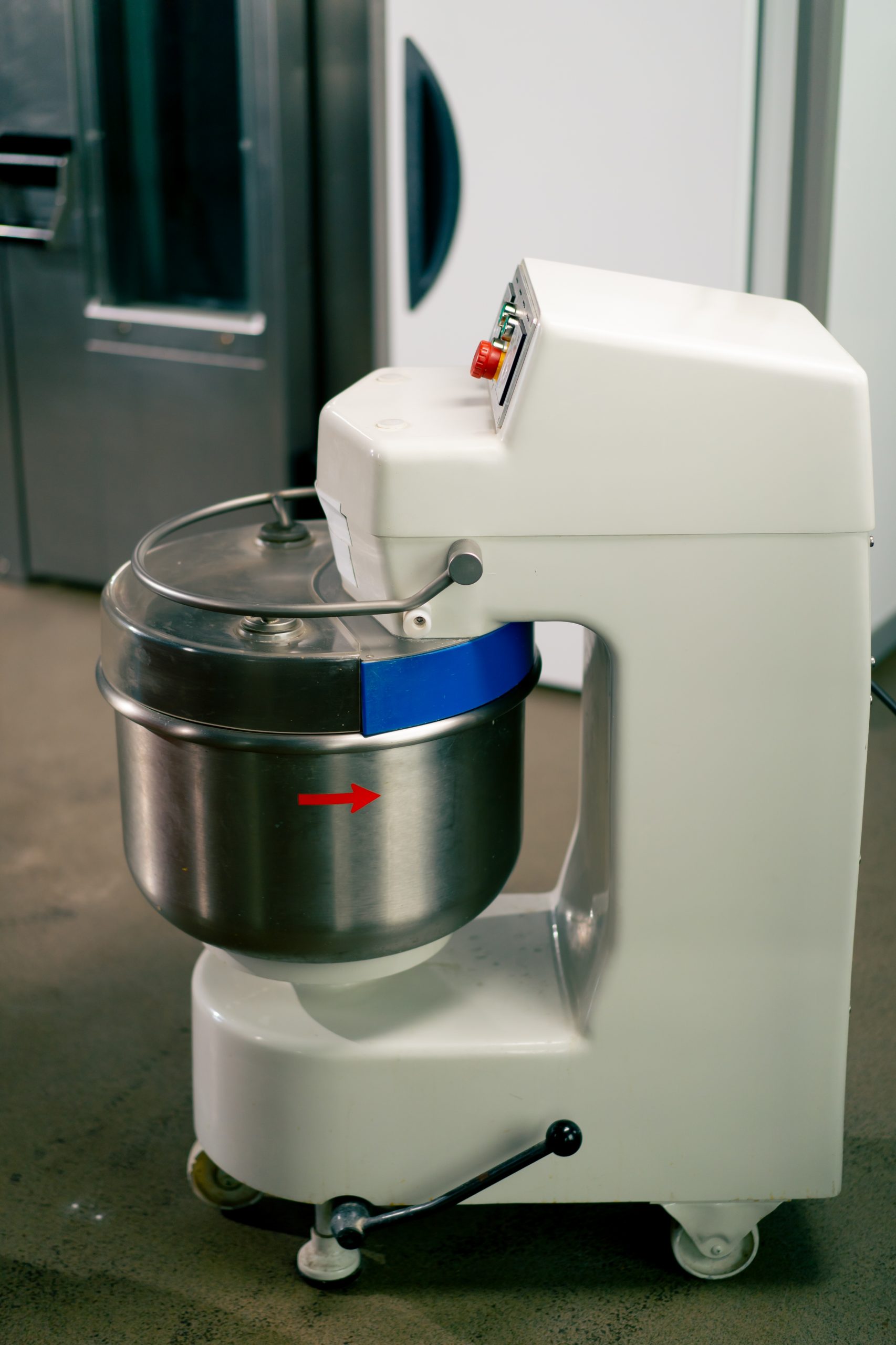
When a mixer runs but the attachments stay still, it can be confusing and frustrating. The motor hums, the lights may be on, but the beaters or dough hook don’t move. This is a common issue with both stand and hand mixers, and it often signals a mechanical or internal problem rather than an electrical one. Understanding what causes this and how to safely test the possible reasons helps you decide whether you can fix it yourself or need professional help.
Start with the Obvious
We always begin by checking the simplest things first. The attachment might not be fully locked in place. Even a small gap can prevent proper engagement with the drive shaft. Remove the attachment, clean the shaft area, and reinsert it firmly until you hear or feel it click. If it’s still loose, try a different attachment to see whether the issue repeats.
Sometimes, food buildup around the hub or inside the shaft prevents proper rotation. A quick cleaning with warm water and a small brush can clear residue that hardens over time. Once clean, test again with no ingredients in the bowl. If the motor turns but the attachments still do not move, the issue likely lies inside the mixer.
You can find general guidance about professional repair options at mixer repair services in Calgary.
Check for Stripped Gears
The most common reason a mixer runs without spinning is stripped gears. Mixers rely on a set of interlocking gears that transfer power from the motor to the attachments. These gears are usually made of metal or reinforced plastic. Over time, heavy use or thick dough can wear them down or cause them to crack.
To confirm this, listen carefully while the mixer runs. A grinding or clicking sound usually points to damaged gears. If the motor sounds normal but the attachments don’t move, the gears may have lost teeth and can’t grip the shafts properly. Unfortunately, accessing them requires opening the mixer housing, which involves removing several screws and sometimes prying open a sealed case.
If you’re not comfortable opening it, it’s safer to stop there. Running a mixer with stripped gears can cause further internal damage.
Inspect the Planetary Assembly
In stand mixers, the planetary assembly is the circular mechanism that rotates the attachments around the bowl. It’s a clever design that mixes ingredients evenly, but it depends on precise alignment between several moving parts. When the mixer runs but the attachments stay still, it’s possible that the planetary gear assembly has slipped.
You can test this by holding the mixer head and trying to gently move the planetary housing by hand (with the mixer unplugged). If you feel any wobbling or movement that shouldn’t be there, one of the internal pins or bushings may have come loose.
Sometimes, the issue comes from a broken retaining clip or a worn-out shaft pin that connects the planetary gear to the motor spindle. These parts are small but essential, and even a slight bend or crack can stop rotation. A professional can usually replace them without needing to change the entire motor.
Examine the Worm Gear
The worm gear is a soft metal or nylon gear that acts as a safety feature in most mixers. Its purpose is to absorb shock when the mixer overloads. For example, if you try to mix too much dough or the attachments hit the bowl, the worm gear can shear itself to prevent the motor from burning out.
If your mixer suddenly stopped spinning after struggling with a heavy batch, this is a likely culprit. Replacing a worm gear is a precise job, since it requires aligning the gears correctly and applying fresh grease. While it’s possible to find tutorials online, many people prefer to let technicians handle it to avoid alignment problems.
Check the Bevel Gear and Planet Pinion
In some mixers, especially tilt-head designs, the bevel gear and planet pinion control the transfer of power from the motor to the attachment hub. When one of these parts cracks or loosens, power can’t reach the attachments even though the motor still spins.
You might notice the motor speed changes when you touch or move the attachments slightly. This indicates a partial connection or misalignment. In this case, continuing to run the mixer can worsen the damage. It’s best to unplug it and plan for a mechanical inspection.
Look for Shaft Misalignment
Mixers experience strong torque, especially during kneading or thick batter mixing. Over time, the drive shaft that connects the motor to the attachment hub can shift out of position. This misalignment can make the attachments seem disconnected even though the motor is fine.
To test for this, look at the attachment hub closely. The shaft should be centered and symmetrical. If it looks tilted, recessed, or wobbly, it’s out of alignment. Some minor misalignments can be corrected by adjusting the head height screw, located near the hinge of tilt-head models. However, if the shaft itself has moved within the housing, the repair requires partial disassembly.
Evaluate Internal Grease Condition
Inside every mixer is a thick lubricant that keeps gears running smoothly and prevents overheating. Over years of use, the grease can dry out, harden, or leak. When that happens, the gears may slip or stop transferring power correctly.
A telltale sign is dark, oily residue around the housing seams or under the head. Another is a burning smell even though the mixer still runs. Dried grease increases friction and can eventually lead to gear damage. Refreshing the grease can make an older mixer feel new again, but it’s messy and best done by someone experienced with appliance repair.
Consider Electrical Miscommunication
Though rare, some modern mixers use an electronic speed control system. If the control board sends inconsistent signals, the motor may spin without engaging the drive system properly. This problem mimics mechanical failure but originates from electrical miscommunication.
If the mixer seems to run erratically—sometimes spinning, sometimes not—the issue could be the speed control lever or the circuit board. These parts are delicate and expensive, so testing should be limited to unplugging and inspecting for burnt marks or loose wires.
When the Problem Comes from Overuse
Mixers are designed for specific workloads. Using them for thick bread dough or long sessions without rest can cause overheating and internal wear. If the mixer suddenly stopped spinning after an intense mixing session, allow it to rest for at least 30 minutes before testing again.
Some models have a thermal overload reset, which cuts power to protect the motor. If the mixer restarts after cooling but still doesn’t spin attachments, the thermal switch worked but the mechanical system might still need attention.
How We Approach Diagnosis
When diagnosing a mixer that runs but doesn’t spin, our first step is to separate electrical issues from mechanical ones. We check continuity, verify the motor output, and examine gear engagement visually. Once the internal casing is open, we clean out old grease, look for stripped or worn gears, and assess whether any safety mechanisms have failed.
This systematic approach prevents unnecessary part replacement and ensures we fix the root cause, not just the symptom. You can learn more about our process and available mixer repair services in Calgary for both home and commercial units.
Preventive Maintenance Tips
Regular maintenance can prevent many of these issues. Every few months, remove and clean the attachments and shaft connections. Keep the attachment hub free from dried batter or sugar buildup, as these can cause friction. Store the mixer in a dry place to avoid humidity damage, which corrodes metal parts and affects lubrication.
If you frequently mix heavy dough, consider giving the mixer short breaks between batches. Letting it cool for five minutes between uses helps protect internal gears and prevents overheating.
Once a year, a professional tune-up that includes inspection and regreasing can extend the life of your mixer significantly. Even simple checks, like tightening external screws or verifying smooth planetary rotation, go a long way toward keeping your mixer consistent and reliable.
Safety First
Before touching or testing anything inside your mixer, unplug it. Mixers store mechanical tension that can suddenly release when covers are removed. If you open the housing, take care not to lose small pins, clips, or washers, which are easy to misplace.
Avoid forcing any part that resists movement. Most mixers are built with precision, and brute force usually causes more harm than good. If the internal mechanisms are stuck or jammed, it’s safer to have a technician handle the inspection.
If you reach a point where the issue feels beyond basic troubleshooting, it’s best to contact us for professional help. We can identify whether your mixer needs a gear replacement, lubrication, or a full rebuild.
Why Professional Diagnosis Matters
Attempting repairs without understanding the gear system can lead to misalignment or further stripping. Even minor mistakes during reassembly can cause rattling, overheating, or inconsistent speed. Professionals have torque-calibrated tools and the right lubricants to restore balance inside the mechanism.
While online tutorials can be useful, not every mixer shares the same internal design. A method that works on one model may damage another. Professional service ensures your mixer runs at its intended performance level and extends its lifespan.
FAQ
Why does my mixer motor run but the beaters don’t move?
This usually happens when internal gears are stripped or misaligned. It can also occur if the attachment is not properly seated or if the worm gear has failed.
Can I replace a stripped gear myself?
It’s possible if you have the right tools and experience. However, since mixers have tight internal tolerances, improper installation can cause long-term issues.
Is it normal for grease to leak from the mixer head?
A small amount over time is normal, but constant leaking or brown residue means the grease has broken down and needs replacement.
My mixer stopped spinning after kneading dough. What should I do?
Unplug it, let it rest, and then test again. If it still doesn’t spin, the worm gear likely sheared to protect the motor and will need replacement.
How often should a mixer be serviced?
For regular home use, a check-up every year or two is ideal. If you use your mixer commercially or for heavy mixing, schedule maintenance more frequently.